Sale!

HubSpot Blog Importer

Original price was: $20.00.Current price is: $14.99.

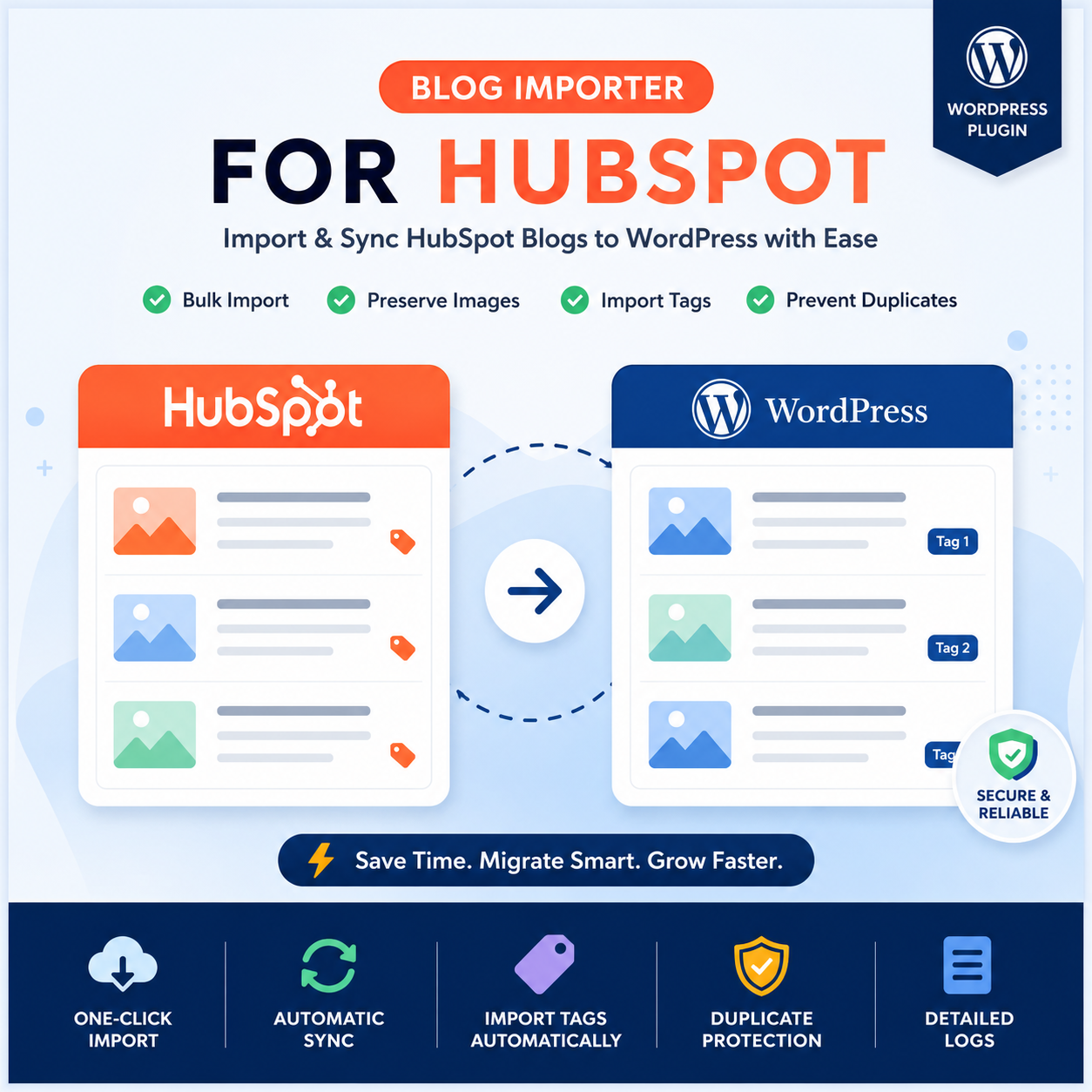
HubSpot Blog Importer helps you import HubSpot blogs to WordPress with bulk import, image sync, tag mapping, and duplicate protection.

HubSpot Blog Importer is a WordPress plugin that lets you migrate and sync
HubSpot blog posts to WordPress in minutes — no manual copying, no formatting loss, no duplicates.

Built for agencies, developers, and marketing teams who need a reliable way to move content
from HubSpot to WordPress without starting from scratch.

What HubSpot Blog Importer Does

  • Import all HubSpot blogs in bulk or pick specific posts
  • Automatically downloads and assigns featured images
  • Maps HubSpot tags to WordPress tags
  • Prevents duplicate imports with smart detection
  • Supports posts, pages, and custom post types
  • Includes real-time progress tracking and import logs
  • Automates recurring sync via WP Cron scheduling

Who Is It For?

Agencies migrating client sites, developers automating content workflows, and businesses
moving their blog from HubSpot to WordPress — HubSpot Blog Importer
handles the heavy lifting so you can focus on publishing.

Requirements

  • WordPress 5.8 or higher
  • PHP 7.4 or higher
  • HubSpot account with a Private App Access Token

Full setup guide, token configuration steps, and FAQs are available in the Documentation tab.

Blog Importer for HubSpot – Documentation

Blog Importer for HubSpot lets you import and sync blog posts from your HubSpot account directly into WordPress.
Supports bulk import, selective import, tag mapping, scheduled sync, and duplicate prevention.

Requirements

  • WordPress 5.0 or higher
  • PHP 7.4 or higher
  • A HubSpot account with a Private App Access Token

Installation

  1. Download and upload the plugin folder to /wp-content/plugins/
  2. Activate via Plugins in your WordPress admin
  3. Go to Blog Importer for HubSpot in the admin menu
  4. Enter your HubSpot Access Token and configure import settings
  5. Run your first import

How to Get Your HubSpot Access Token

  1. Log in to HubSpot and go to Settings → Integrations → Legacy Apps
  2. Click Create a legacy app (choose Private App)
  3. Give it a name (e.g. WordPress Blog Importer)
  4. Under the Scopes tab, enable the content scope (CMS section)
  5. Click Create app
  6. Go to the Auth tab and copy the Access Token
  7. Paste the token into the plugin settings in WordPress

Key Features

  • Bulk Import – Import all HubSpot blog posts at once
  • Selective Import – Pick specific posts to import
  • Tag Mapping – HubSpot tags are mapped to WordPress tags automatically
  • Scheduled Sync – Auto-sync hourly, daily, or weekly via WP Cron
  • Duplicate Prevention – Only imports new or updated posts
  • Progress Tracking – Real-time progress bar during import
  • Import Logs – Full history of all import activity
  • Flexible Post Types – Import into posts, pages, or custom post types

Frequently Asked Questions

Do I need a HubSpot API key?
Yes. A HubSpot Private App Access Token is required to connect your site to HubSpot.

Can I import specific posts only?
Yes. Use the Selective Import page to browse and choose individual posts.

Will it create duplicate posts?
No. The plugin checks existing content and skips anything already imported.

What post types can I import into?
Posts, pages, or any custom post type — configurable in settings.

Can I automate imports?
Yes. Built-in WP Cron scheduling supports hourly, daily, and weekly sync.

Privacy

This plugin connects to the HubSpot API (api.hubapi.com) only when you trigger an import or have scheduling enabled.
It does not collect or track any visitor data.
See HubSpot’s Privacy Policy for details on data handling on their end.

Support

For help, visit the plugin support forum on WordPress.org

Reviews

There are no reviews yet.

Be the first to review “HubSpot Blog Importer”

Your email address will not be published. Required fields are marked *