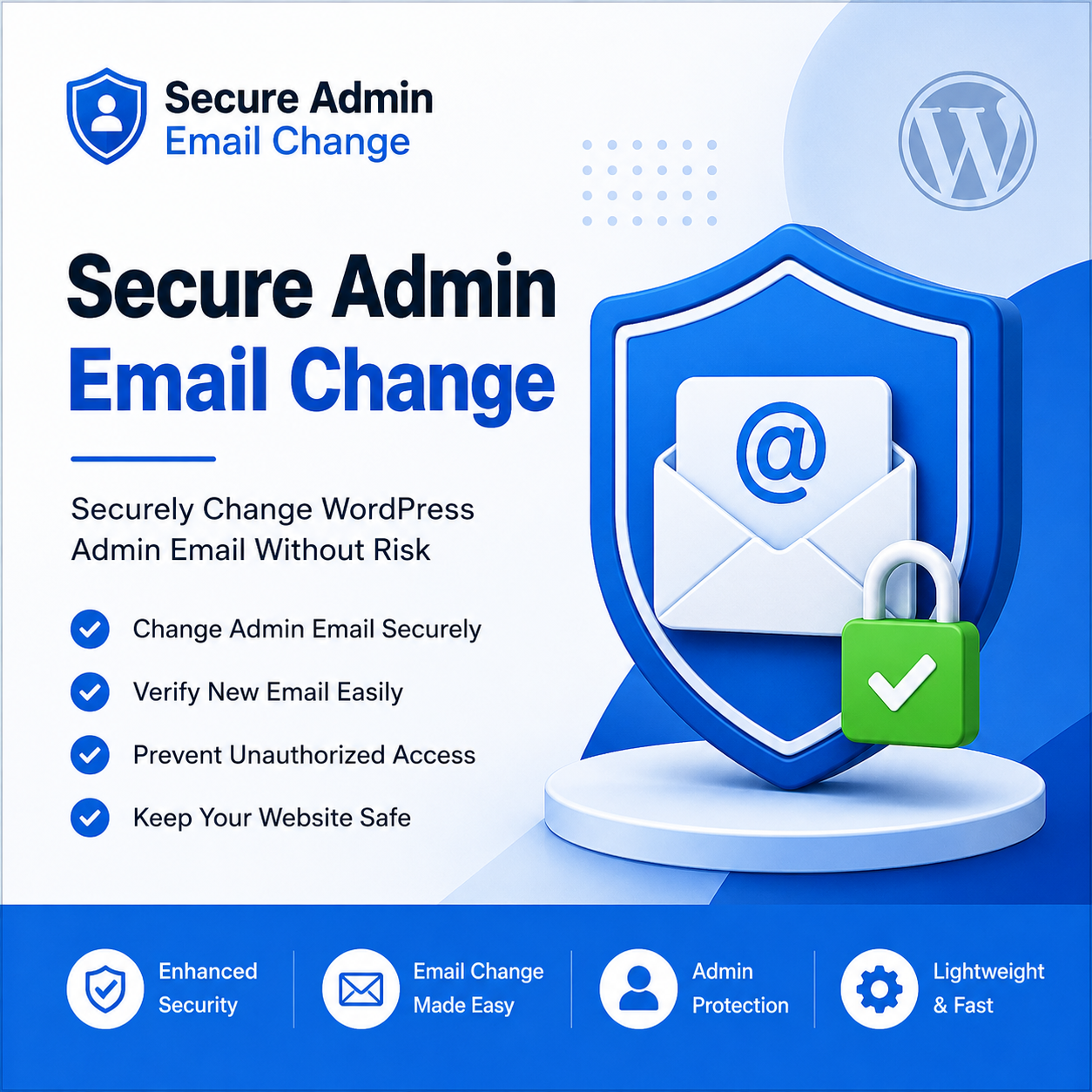
Protect Your WordPress Admin Email from Unauthorized Changes
Secure Admin Email Change is a lightweight WordPress security plugin designed to add an extra layer of protection when changing the administrator email address. Instead of allowing instant email updates, the plugin introduces a secure verification process to help prevent unauthorized access and accidental changes.
Whether you manage a personal blog, business website, or client projects, this plugin helps safeguard one of the most important settings in your WordPress installation.
Why Choose Secure Admin Email Change?
The administrator email address is critical for password resets, important notifications, and website management. Unauthorized changes can put your website security at risk.
Secure Admin Email Change helps protect your website by ensuring that email updates are properly verified before they take effect.
Features
✔ Secure Admin Email Verification
Require verification before applying admin email changes.
✔ Prevent Unauthorized Changes
Add an additional security layer to protect your website settings.
✔ Lightweight & Fast
Built with performance in mind without slowing down your website.
✔ Easy to Use
Simple setup with no complicated configuration.
✔ WordPress Compatible
Designed to work seamlessly with modern WordPress installations.
✔ Enhanced Website Security
Reduce the risk of admin account misuse and unauthorized modifications.
Perfect For
- Business Websites
- WordPress Developers
- Agencies
- E-commerce Stores
- Personal Blogs
- Client Projects
- Membership Websites
Benefits
- Improve WordPress security.
- Protect sensitive admin settings.
- Prevent accidental email updates.
- Add an extra layer of account protection.
- Simple and user-friendly interface.
How It Works
Step 1
Install and activate the plugin.
Step 2
Configure the plugin settings.
Step 3
When an admin email change is requested, the verification process is triggered.
Step 4
Only verified email changes are successfully applied.
Technical Requirements
- WordPress 5.8 or higher
- PHP 7.4 or higher
- Active WordPress Website
Included in Your Purchase
- Premium WordPress Plugin
- Lifetime Access to Purchased Version
- Regular Updates
- Technical Support
- Installation Guide

Secure Admin Email Change – Documentation
Secure Admin Email Change adds an extra layer of security to your WordPress website by protecting administrator email updates. The plugin helps prevent unauthorized email changes by requiring a verification process before the new admin email becomes active.
Requirements
- WordPress 5.0 or higher
- PHP 7.4 or higher
- Administrator access to the WordPress dashboard
Installation
Method 1: Upload via WordPress Admin
- Download the plugin ZIP file.
- Log in to your WordPress Admin Panel.
- Navigate to Plugins → Add New.
- Click Upload Plugin.
- Choose the ZIP file and click Install Now.
- Activate the plugin.
Method 2: Manual Installation
- Extract the plugin ZIP file.
- Upload the plugin folder to:
/wp-content/plugins/
- Go to Plugins in your WordPress admin panel.
- Activate Secure Admin Email Change.
How It Works
Once the plugin is activated, it automatically enhances the security of administrator email updates.
When an admin email change is requested:
- A new email address is entered.
- The plugin starts the verification process.
- The email change is validated.
- Only verified email changes are applied.
No complex configuration is required.
Key Features
Secure Admin Email Verification
Protect administrator email changes with an additional verification step.
Prevent Unauthorized Access
Reduce the risk of unauthorized users changing the admin email.
Lightweight and Fast
Built with performance in mind without affecting website speed.
Easy Setup
Activate the plugin and start protecting your website immediately.
WordPress Compatible
Works with modern WordPress installations.
Enhanced Security
Adds another layer of protection to one of the most important website settings.
Frequently Asked Questions
Does this plugin require any third-party API?
No. The plugin works completely within WordPress and does not require any external API service.
Do I need to configure any settings?
No. The plugin is designed to work automatically after activation.
Will this affect my existing website functionality?
No. The plugin only enhances the security of administrator email changes and does not modify other WordPress features.
Is the plugin lightweight?
Yes. The plugin is optimized for performance and has minimal impact on website resources.
Can I deactivate the plugin at any time?
Yes. You can deactivate or uninstall the plugin through the WordPress Plugins page.
Is this plugin compatible with the latest WordPress versions?
The plugin is developed to support modern WordPress versions and follows WordPress coding standards.
Privacy
Secure Admin Email Change does not collect, store, or transmit any personal information to external servers.
The plugin:
- Does not track website visitors.
- Does not collect analytics data.
- Does not send information to third-party services.
- Operates entirely within your WordPress installation.
Troubleshooting
The admin email is not updating.
- Verify that the new email address is valid.
- Check whether the verification process has been completed.
- Ensure that your website can send emails correctly.
Verification email is not received.
- Check your spam or junk folder.
- Verify your website email configuration.
- Test your WordPress mail functionality.
Support
If you need assistance or encounter any issues while using the plugin, please visit the plugin support forum on WordPress.org or contact the Unified Coders support team.
Changelog
Version 1.0.0
- Initial release.
- Secure admin email verification.
- Unauthorized email change protection.
- Lightweight and optimized architecture.
- Improved WordPress security.
License
This plugin is distributed under the GNU General Public License (GPL). Please refer to the license included with the plugin package for complete details.
Thank you for choosing Secure Admin Email Change to help protect your WordPress website.
Reviews
There are no reviews yet.